

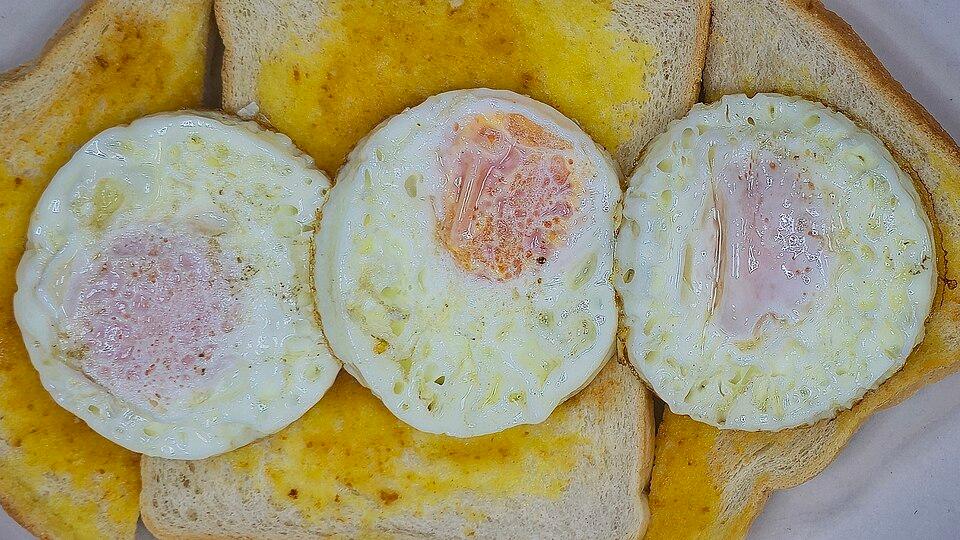
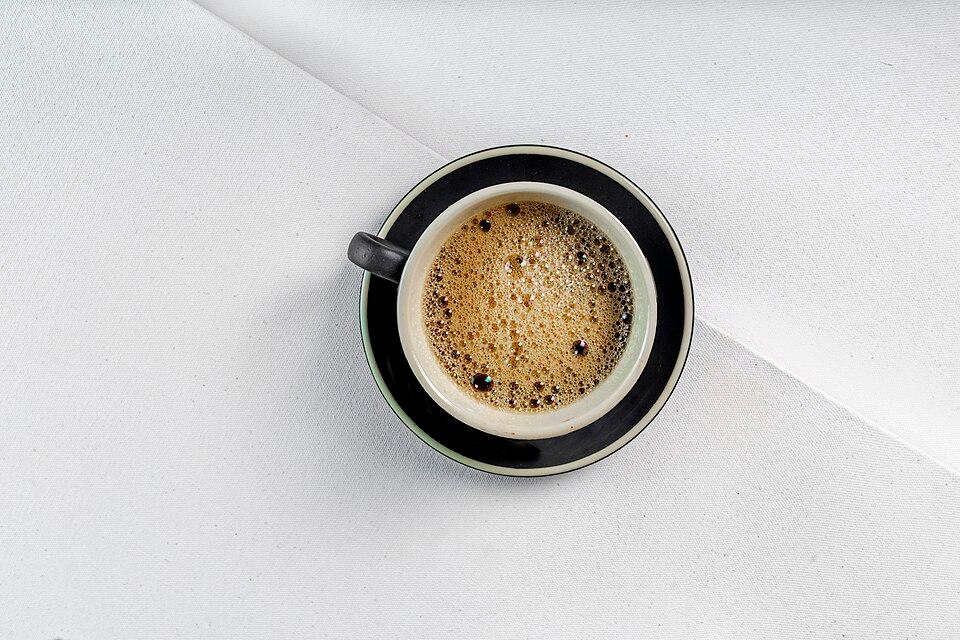
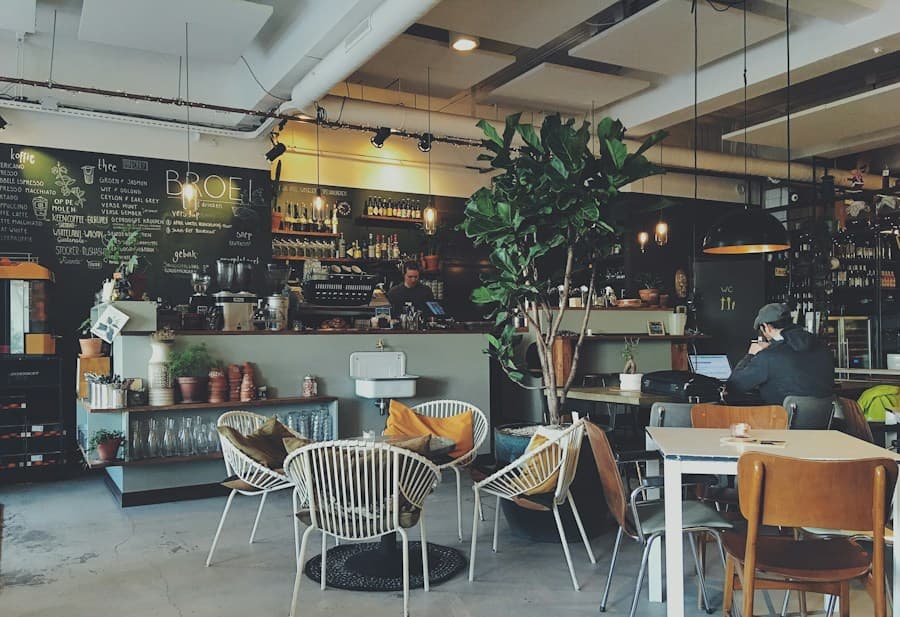
 Example website
Build a website for your restaurant.
Choose a template and add your menu, photos and opening hours. Get your own website address, a menu QR code and table reservation requests.
No card needed. Your Standard trial starts when you publish.
Included website addressyour-restaurant.hungryspots.com
Morning Café · Fictional exampleView example
Website examples
Open a website or start with its template. Restaurant details are fictional.
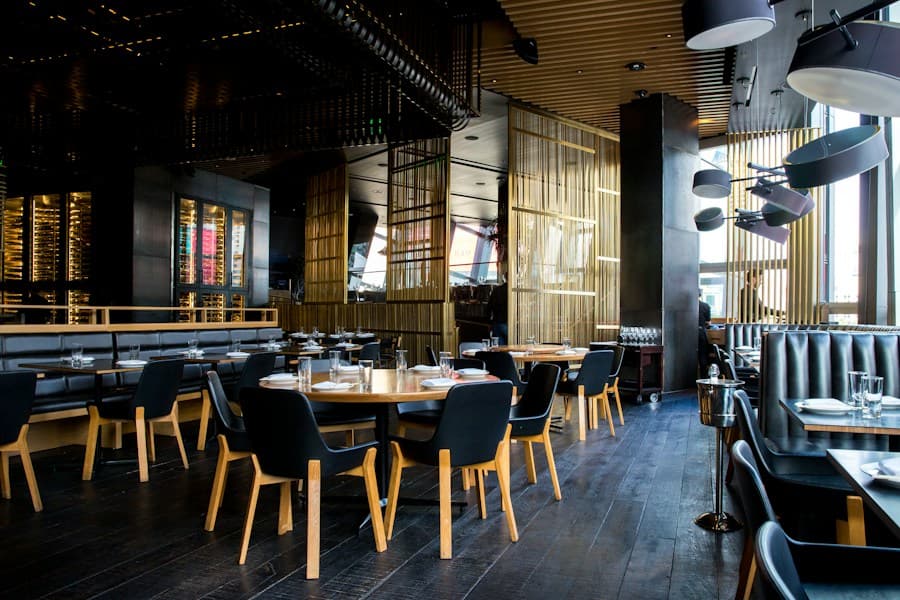

From template to website
- 1
Add your restaurant
Enter your details, menu and photos. Choose a template and check the preview.
- 2
Keep your work
Create an account when you’re ready. Your website comes with you.
- 3
Publish and share
Review your website and activate a trial or plan. Download your menu QR code.
Try free for 1 month
Publish your restaurant website with Standard features, including your menu, a QR code and table reservation requests.
No card needed. One trial per account, starting when you publish. No automatic charges.Common questions
More answersWhat can I try before creating an account?
Build your website without an account. Setup saves on this device; use Save changes in the editor. When you’re ready to publish, create an account to keep the same website. Your suggested address is checked before it is reserved.
What does HungrySpots cost?
Building a private draft is free. Your first publication can use a one-month Standard trial, without a card or automatic renewal. After that, choose Standard or Commercial with monthly or discounted yearly billing. Paid access starts after payment is verified.
What happens when I change my menu?
Save changes to your private draft, then publish to update what guests see. Your website and QR code open the same menu, so you don’t need to reprint the QR code when dishes or prices change.